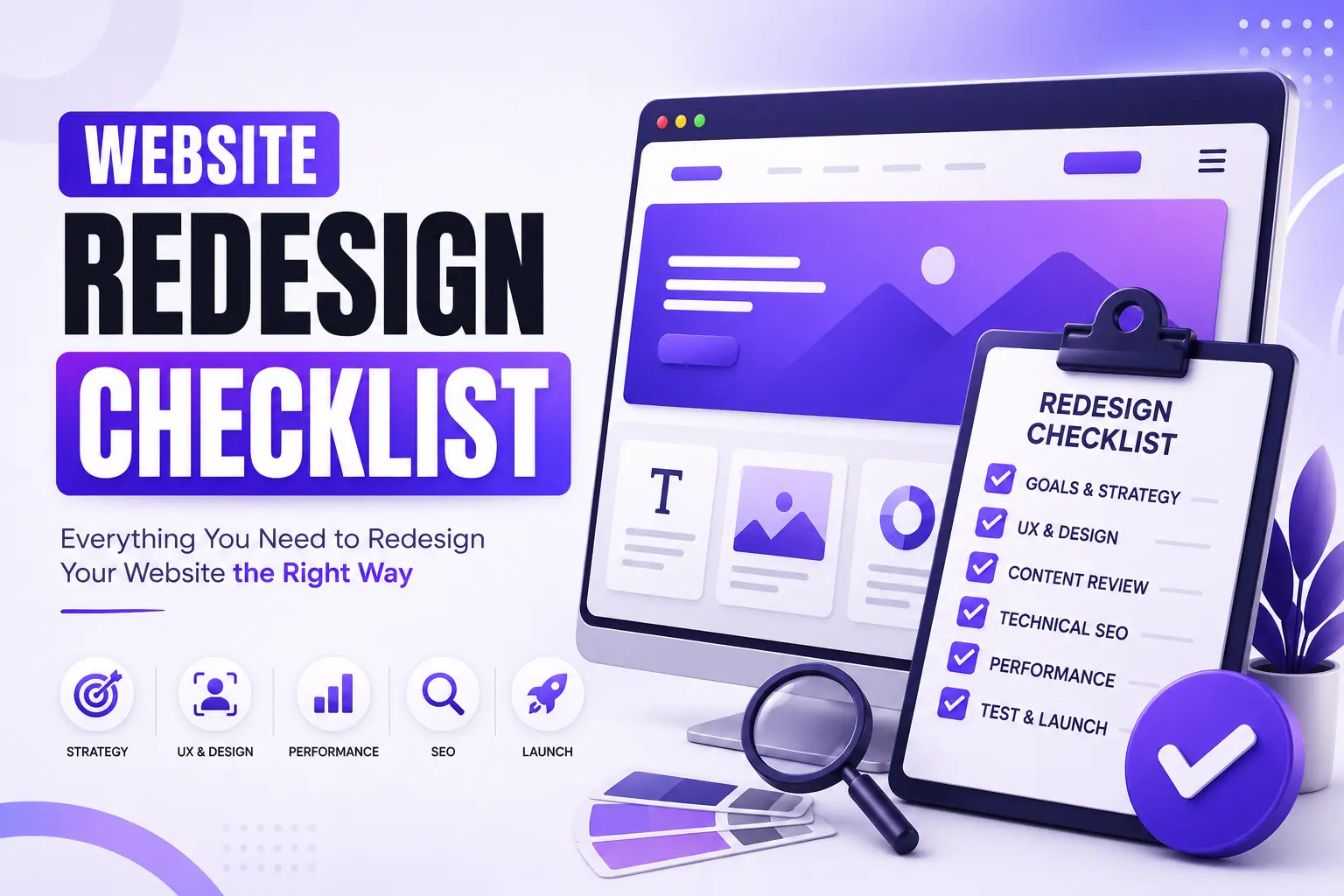
Your website isn't just an online brochure anymore, it's often the first impression potential customers have of your business. In many cases, it's also your most effective salesperson, working around the clock to generate leads, build trust, and drive revenue.
But here's the reality: many businesses invest thousands of dollars in a website redesign only to end up with a prettier website that performs no better than the old one. Why? Because they focus on how the website looks, instead of how it performs.
A successful website redesign isn't about changing colors, fonts, or layouts. It's about solving business problems, improving user experience, increasing conversions, and creating a website that supports your long-term growth.
If you're planning to redesign your website this year, this guide will walk you through the exact checklist we recommend before starting any redesign project.
Whether you're running a SaaS startup, a growing small business, a marketing agency, or a WordPress product company, these steps will help you avoid expensive mistakes and make better decisions.
Why Do Businesses Redesign Their Websites?
Many business owners wait too long before redesigning their website. Here are some common signs it's time for a redesign:
- Your website looks outdated compared to competitors.
- It doesn't generate enough leads.
- It's slow to load.
- Visitors leave without taking action.
- It isn't mobile-friendly.
- Updating content has become difficult.
- It no longer reflects your brand.
- Your conversion rate has dropped.
- You're introducing new products or services.
- Your business has outgrown the current website.
A redesign should never be driven by trends alone. It should solve measurable business challenges.
What Should a Website Redesign Actually Achieve?
Before contacting any design agency, ask yourself: "What business problem am I trying to solve?"
The answer might be:
- Increase qualified leads
- Generate more demo bookings
- Improve online sales
- Build trust
- Reduce bounce rate
- Improve mobile experience
- Increase conversion rate
- Strengthen brand positioning
Without clear goals, even a beautiful website can become an expensive business mistake.
Website Redesign Checklist
1. Define Your Business Goals First
Many redesign projects fail because the objective is unclear.
Instead of saying: "We want a modern website."
Define measurable goals like:
- Increase lead generation by 30%
- Reduce bounce rate below 40%
- Improve conversion rate
- Generate more consultation bookings
- Increase organic traffic
- Improve Core Web Vitals
When the goal is measurable, every design decision becomes easier.
2. Audit Your Existing Website
Before replacing your current website, identify what's already working. Review:
Traffic
- Which pages receive the most visitors?
- Where do visitors come from?
SEO
- Which pages already rank on Google?
- Which keywords bring traffic?
Conversion
- Which pages generate inquiries?
- Which forms perform best?
Technical Performance
- Page speed
- Mobile responsiveness
- Broken links
- Crawl errors
Your current website contains valuable data. A redesign should build on those insights, not ignore them.
3. Understand Your Ideal Customers
Your website should be designed for your customers, not for your internal team. Ask questions like:
- Who is my ideal client?
- What problem are they trying to solve?
- What information do they need before making a decision?
- What objections do they have?
- What builds trust for them?
For example, a SaaS founder wants to know:
- Can this agency understand SaaS?
- Have they worked on similar products?
- Will the redesign improve conversions?
- What's the process?
- How long will it take?
If your website answers these questions clearly, conversions improve naturally.
4. Review Your Competitors
Instead of copying competitors, study them. Look at:
- Navigation
- Homepage messaging
- Service pages
- Pricing presentation
- Portfolio
- Case studies
- Testimonials
- Calls-to-action
Then identify opportunities where your website can provide a better experience. For example, if every competitor has a long, cluttered homepage, a cleaner, faster, and more focused experience can become your competitive advantage.
5. Keep SEO at the Center of Your Redesign
One of the biggest mistakes businesses make is launching a redesigned website without considering SEO. As a result:
- Rankings drop
- Traffic declines
- Leads decrease
Before redesigning, document:
- Existing rankings
- High-performing pages
- Important keywords
- URL structure
- Meta titles
- Meta descriptions
- Internal links
Protecting your SEO assets is just as important as improving your design.
Quick Tip
A successful website redesign balances three priorities: better user experience, better search visibility, and better business results. If one of these is ignored, the redesign is incomplete.
6. Evaluate Your Website's User Experience (UX)
A visually attractive website isn't enough if visitors struggle to navigate it. Good user experience means making it easy for people to find information, understand your value, and take action. As you review your current website, ask yourself:
- Can a first-time visitor understand what your business does within 5 seconds?
- Is the navigation simple and intuitive?
- Can users reach important pages in just a few clicks?
- Is the website easy to use on mobile devices?
- Are buttons and forms easy to find?
One useful exercise is to ask someone unfamiliar with your business to complete a simple task, such as requesting a quote or finding a specific service. If they get confused, your customers probably do too.
7. Refresh Your Website Content
Many businesses redesign their website but reuse outdated content. That usually leads to the same weak results with a new design. Instead of copying everything from your old site, review every page and ask: Does this page still support our business goals? Update:
- Headlines
- Service descriptions
- Team information
- Case studies
- Testimonials
- Statistics
- Calls to action
Focus on answering customer questions rather than talking only about your company.
Instead of saying: "We have over 10 years of experience."
Try something more customer-focused: "We help startups and growing businesses launch high-performing websites that attract more qualified leads."
People care more about the outcome you can create than your company history.
8. Optimize Every Page for SEO
A website redesign is one of the best opportunities to improve your search visibility. Rather than targeting a single keyword on each page, build content around a topic. For example, a service page about Website Redesign can naturally include related phrases such as:
- Website redesign service
- Business website redesign
- Website redesign agency
- Modern website design
- Website optimization
- UX redesign
- Conversion-focused website
Google increasingly understands topics and search intent, so writing naturally is more effective than repeating the same keyword.
SEO Checklist
Before launching your new website, make sure you have keyword-focused page titles, unique meta descriptions, clear H1 and H2 headings, descriptive image alt text, internal links to related services, clean readable URLs, structured content, and fast-loading pages. Small improvements across every page often produce better long-term SEO results than chasing a single high-volume keyword.
9. Improve Website Speed and Performance
Speed directly affects user experience, search rankings, and conversions. Studies consistently show that even a one-second delay can reduce conversions and increase bounce rates. Common causes of slow websites include:
- Oversized images
- Unused plugins
- Poor hosting
- Excessive animations
- Unoptimized JavaScript and CSS
- Too many third-party scripts
During your redesign, prioritize performance from the beginning instead of treating it as an afterthought. A fast website creates a better experience for both users and search engines.
10. Make Mobile Experience a Priority
More than half of website traffic now comes from mobile devices. Yet many businesses still design primarily for desktop screens. Review your website on different devices and check:
- Navigation
- Button sizes
- Form usability
- Text readability
- Image scaling
- Loading speed
- Sticky navigation
- Contact options
If your mobile experience feels frustrating, potential customers may leave before they even learn about your services.
11. Build Clear Conversion Paths
A common redesign mistake is assuming visitors will automatically know what to do next. Instead, every important page should guide users toward a specific action. Examples include:
- Request a Quote
- Book a Discovery Call
- Schedule a Demo
- Download a Guide
- View Portfolio
- Contact Sales
Avoid overwhelming visitors with too many competing buttons. One primary call-to-action per page is often the most effective approach.
12. Strengthen Trust Across Your Website
People rarely buy from websites they don't trust. Trust is built through clear evidence, not just claims. Consider adding:
- Client testimonials
- Case studies
- Before-and-after results
- Verified reviews
- Awards and certifications
- Partner logos
- Team introductions
- Frequently asked questions
These elements help reduce uncertainty and encourage visitors to take the next step.
Old Website vs. Modern High-Converting Website
| Traditional Website | Modern Conversion-Focused Website |
|---|---|
| Focuses on company history | Focuses on customer outcomes |
| Generic messaging | Clear value proposition |
| Slow loading | Optimized for speed |
| Desktop-first design | Mobile-first experience |
| Few calls to action | Strategic CTAs throughout |
| Outdated visuals | Clean, modern design system |
| Minimal SEO optimization | Built with SEO in mind |
| Difficult to update | Easy content management |
| Little social proof | Reviews, testimonials, case studies |
| Designed for appearance | Designed for business growth |
The difference isn't just aesthetics. A modern website is built to support marketing, sales, and long-term business growth.
Quick Website Redesign Checklist
Before launching your redesigned website, confirm that you've completed the following:
Business Strategy
- Clear business goals
- Defined target audience
- Measurable success metrics
Content
- Updated service pages
- Strong headlines
- Customer-focused messaging
- Clear calls to action
SEO
- Keyword research completed
- Optimized page titles
- Meta descriptions
- Internal linking
- Image optimization
- URL review
User Experience
- Simple navigation
- Mobile-friendly design
- Accessible layout
- Fast loading speed
Trust
- Client testimonials
- Portfolio or case studies
- Contact information
- Company details
- Privacy and legal pages
Think of this checklist as the foundation of a successful redesign. Skipping any of these steps can reduce the impact of your investment and make it harder to achieve your business goals.
Common Website Redesign Mistakes to Avoid
Even businesses with the best intentions can make costly mistakes during a website redesign. Avoiding these pitfalls can save both time and budget.
1. Prioritizing Design Over Results
A modern-looking website is valuable only if it helps achieve business goals. Every design decision should support user experience and conversions.
2. Ignoring Existing SEO
Changing URLs, removing high-performing pages, or forgetting redirects can significantly reduce organic traffic. Always protect the SEO value you've already built.
3. Writing About Your Company Instead of Your Customers
Visitors want to know how you can solve their problems. Shift the focus from "who we are" to "how we help."
4. Too Many Calls-to-Action
If every button says something different, users become overwhelmed. Guide visitors toward one clear next step on each page.
5. Launching Without Testing
Before going live, test your website on different browsers, screen sizes, and devices. Check every form, button, menu, and link.
Frequently Asked Questions
How often should a business redesign its website?
Most businesses should review their website every 2–4 years. However, if your business model, branding, services, or customer expectations have changed significantly, a redesign may be needed sooner.
Will redesigning my website hurt my SEO?
Not if it's planned properly. Preserving valuable URLs, implementing 301 redirects where necessary, optimizing content, and maintaining your keyword strategy can protect, and often improve, your search visibility.
How long does a website redesign take?
The timeline depends on the size and complexity of the project.
- Small business website: 3–5 weeks
- Service business website: 4–8 weeks
- SaaS marketing website: 6–10 weeks
- Enterprise website: 8–16+ weeks
A realistic timeline includes discovery, strategy, design, development, content, testing, and launch.
How much does a website redesign cost?
There's no one-size-fits-all answer. The cost depends on factors such as:
- Number of pages
- Custom design requirements
- Content creation
- SEO optimization
- CMS platform (e.g., WordPress)
- Integrations
- Performance optimization
Rather than choosing the lowest price, evaluate the long-term value. A well-planned redesign can generate significantly more leads and revenue over time.
Should I redesign or rebuild my website?
If your current website has a solid structure and only needs visual or content improvements, a redesign may be enough. If it suffers from technical issues, poor performance, outdated architecture, or scalability limitations, rebuilding may be the better long-term investment.
Can I redesign my website without changing my brand?
Absolutely. Many businesses keep their existing logo, colors, and brand identity while improving usability, messaging, and conversions.
Final Website Redesign Launch Checklist
Before publishing your new website, verify that you've completed each of the following:
Strategy
- Business goals defined
- Target audience researched
- Competitor analysis completed
- Conversion goals documented
Content
- Updated homepage
- Optimized service pages
- Fresh case studies
- Customer testimonials
- Clear calls-to-action
SEO
- Keyword mapping completed
- Meta titles and descriptions optimized
- Internal links reviewed
- XML sitemap generated
- Robots.txt configured
- Redirects tested
Performance
- Core Web Vitals reviewed
- Images optimized
- Lazy loading enabled
- Mobile responsiveness tested
- Browser compatibility checked
Security
- SSL certificate active
- Forms tested
- Spam protection enabled
- Backups configured
- Analytics and conversion tracking installed
Completing this checklist helps reduce launch-day issues and gives your new website a stronger foundation for long-term growth.
Your Website Should Do More Than Look Good
A successful website isn't measured by compliments, it's measured by business results. If your website attracts qualified visitors, builds trust, answers customer questions, and guides people toward taking action, it's doing its job.
A redesign is an opportunity to improve every stage of the customer journey, from the first impression to the final conversion. Approach it strategically, make decisions based on user needs and business goals, and focus on long-term performance rather than short-term trends.
Ready to Redesign Your Website?
At Pixiio, we help startups, SaaS companies, WordPress product businesses, and growing brands build websites that are designed to perform, not just impress. Our approach combines:
- Strategic UI/UX design
- Conversion-focused landing pages
- Custom WordPress and Elementor development
- SEO-friendly architecture
- Performance optimization
- Modern, scalable design systems
Whether you're planning a complete redesign or simply want to understand what's holding your current website back, the first step is knowing where the opportunities are.
Claim Your Free Website Audit
We'll review your current website and provide actionable insights on user experience (UX), conversion opportunities, SEO fundamentals, performance and speed, mobile usability, content structure, and design improvements. The goal isn't just to make your website look better, it's to help it generate more leads, build more trust, and support your business as it grows.
Let's build a website that works as hard as you do.
Pixiio Team
Design & Development Agency
Pixiio designs and builds high-converting websites for startups, SaaS companies, and local businesses worldwide.